
A true indexed palette
Every pixel is a palette index (up to 255 colours plus transparency): change a colour and it changes everywhere. Bits per channel to respect console limits, colour groups as ramps, and never a colour outside the palette.
Free pixel art editor
Draw sprites, animations and spritesheets pixel by pixel, with a true indexed palette like the consoles of old, and take them into your game engine.
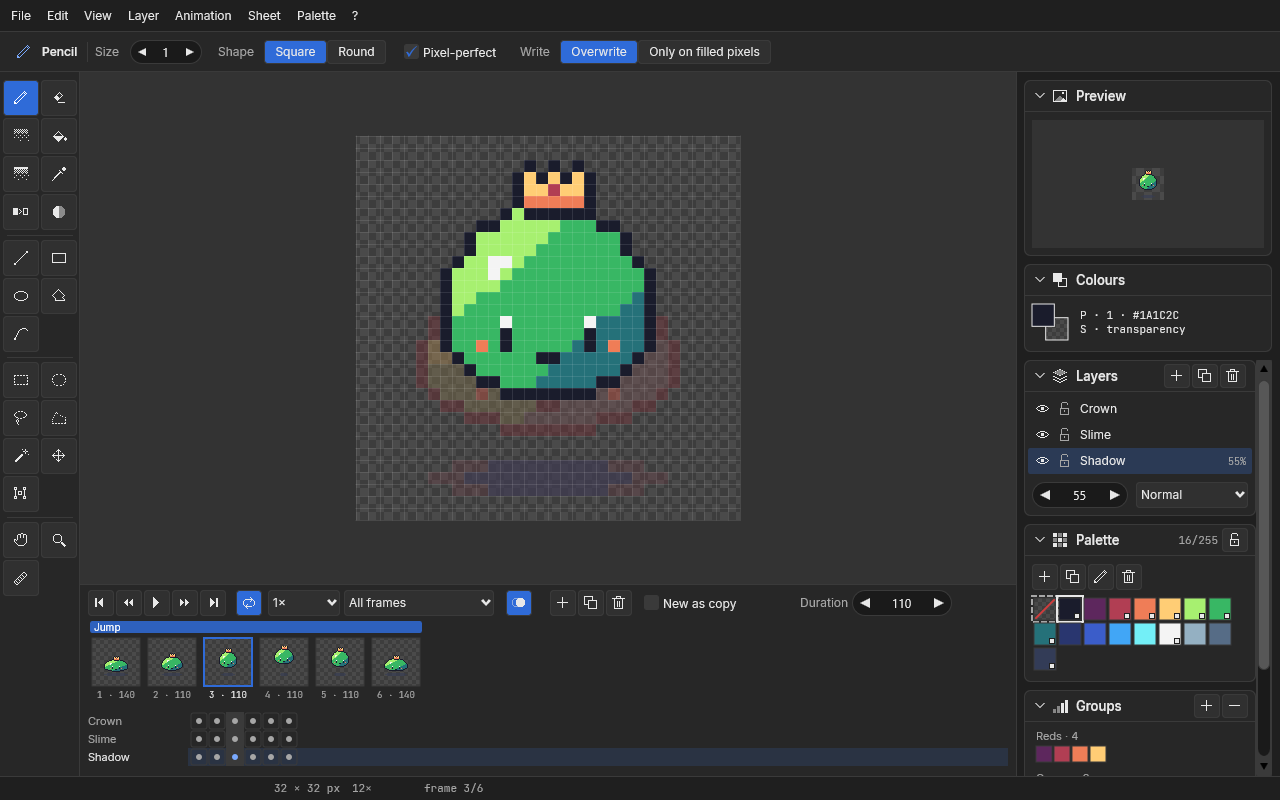
Spriteria is a pixel art editor for people who draw sprites and characters for video games. You work on a canvas magnified pixel by pixel, with a true indexed palette, and when you are done you take the result into your game engine as an image, an animation or a spritesheet.
Every tool draws with its own algorithms, with no smoothing and no antialiasing: lines, ellipses and isometric shapes come out clean, with no holes and no stray pixels. Layer compositing is computed by the program too, so the result is the same on every computer.
I made it for my own needs; then I polished it with more general features and I give it away to anyone who draws pixels.
All of this is already in the program.
Every pixel is a palette index (up to 255 colours plus transparency): change a colour and it changes everywhere. Bits per channel to respect console limits, colour groups as ramps, and never a colour outside the palette.
Game Boy, NES, Master System, Commodore 64, ZX Spectrum, EGA, PICO-8, SNES, Mega Drive and Amiga (Workbench, OCS, EHB), plus your own. Import and export as .gpl, .hex and PNG, and extract the colours of an image.
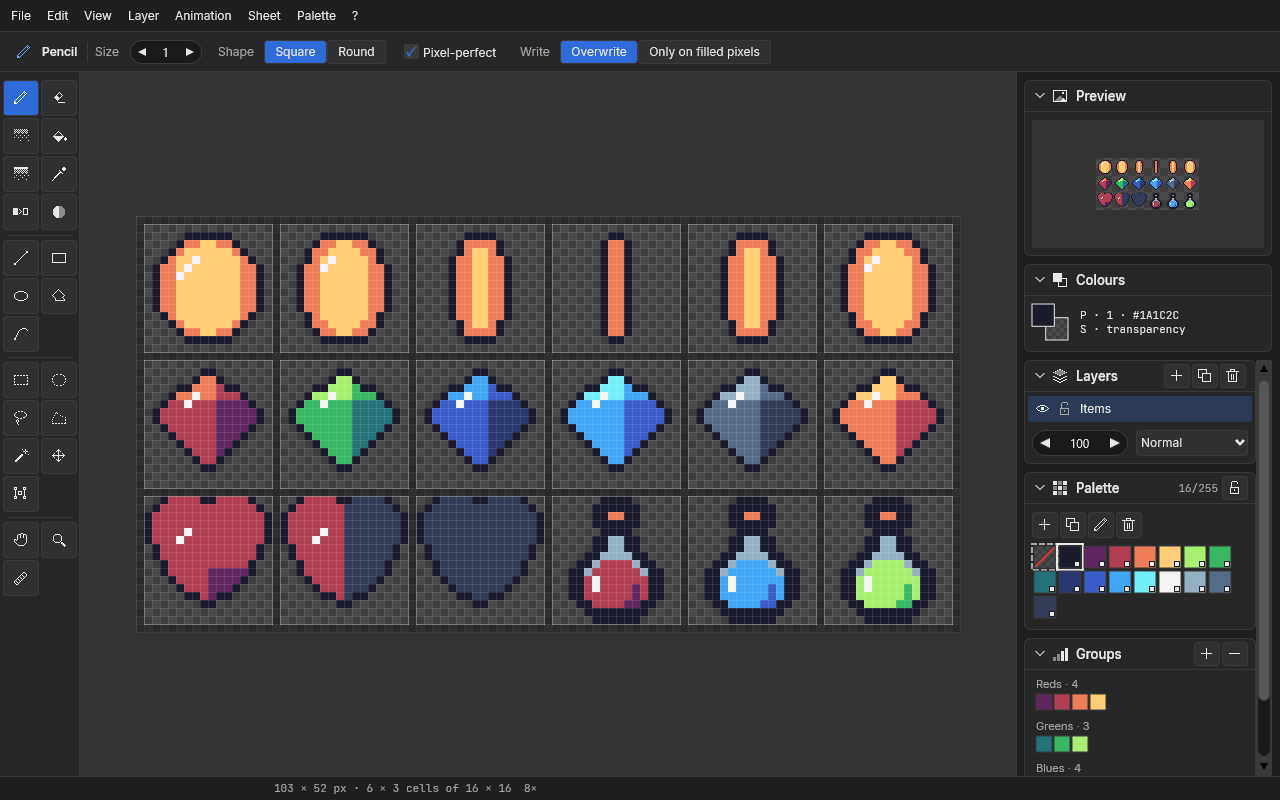
Pixel-perfect pencil, eraser, bucket with tolerance, dithering brush and gradient, shading along a ramp, colour replacement, lines, rectangles, ellipses, polygons and curves, symmetry and ruler.
Rectangle, ellipse, lasso, polygon and magic wand. Move, rotate, flip and scale; copy and paste between documents and with other programs.
Visibility, lock, opacity and blending (normal, multiply, screen). Compositing is computed by the program and is identical on every computer.
Frames with their own duration, tags with a direction (forward, reverse, ping-pong), film strip and timeline, onion skin and live preview.
Create a sheet starting from the cell (columns × rows, spacing and border) or open a PNG as a sheet. Cells always visible, the cell under the cursor highlighted, conversion between sheet and animation.
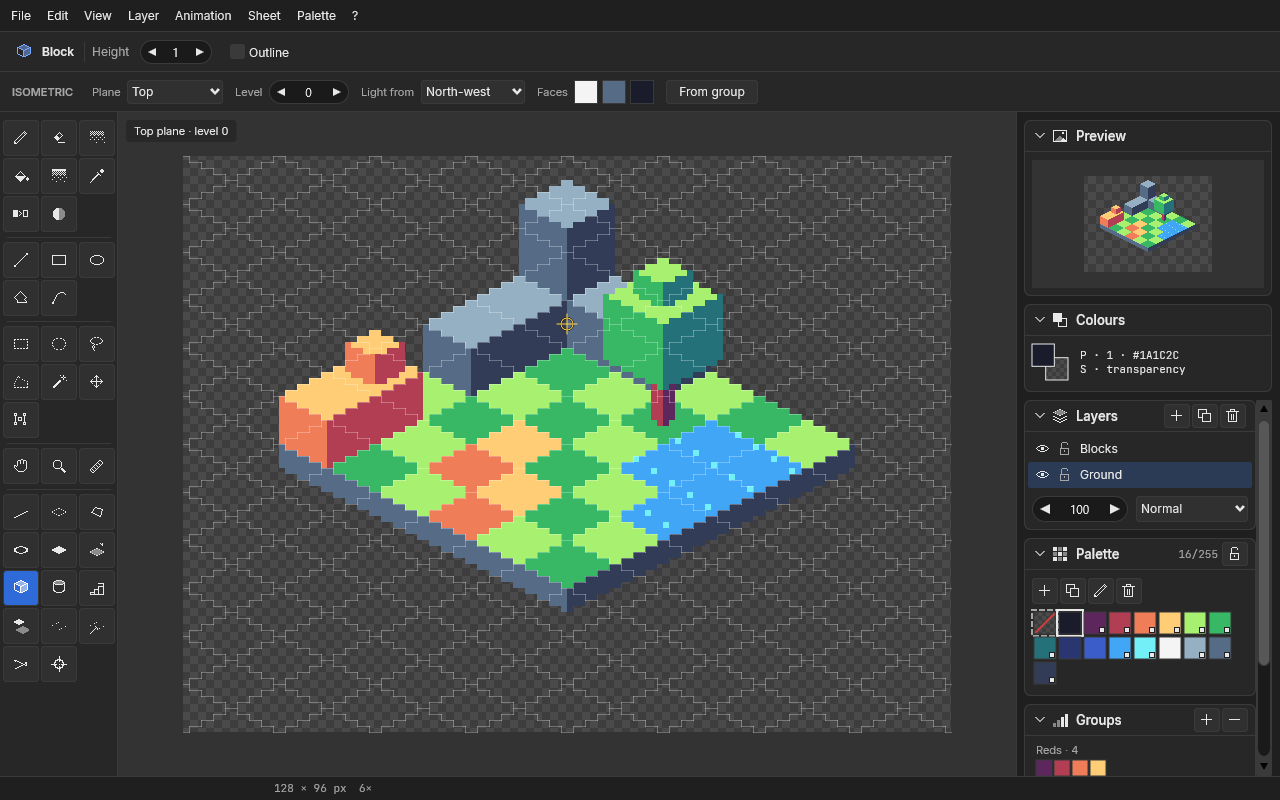
2:1 and 1:1 projections, planes and levels, blocks, cylinders, stairs, cast shadows and tiles that fit together. Faces are coloured by themselves according to the light direction.
Custom grids over the drawing, snap to pixel, centre or vertex, and a tiling preview for textures and tilesets.
PNG spritesheets (row, column, grid or packed) with JSON in the Aseprite array format: frames, durations, tags and pivot. Also animated GIFs, PNG sequences and indexed PNGs, scaled up by integer factors.
Unlimited undo within a memory limit, autosave and recovery of your work after an unexpected shutdown.
Custom shortcuts, a quick guide (F1) and a dark, neutral interface that does not bias colours, in English, Italian, French, Spanish and German, with live language switching.
A look at the program.
Yes, it is 100% freeware: no ads, no account, no subscription and no paid version. Donations are voluntary and give nothing in return.
Spriteria is new and not digitally signed yet, so SmartScreen warns about it as it does for any program it does not know. Click "More info", then "Run anyway". To be sure the file is the one published here, compare its SHA-256 with the one on the download page.
No. No telemetry, no statistics, no tracking and no connections: Spriteria works offline, and your files and settings stay on your computer. The links in the About window open your browser only when you click them.
Spriteria exports PNG spritesheets with a JSON file in the Aseprite array format (frame positions and durations, tags, pivot), which many engines and tools read directly or with a plugin. It also exports animated GIFs, PNG sequences and single or indexed PNGs.
Yes: a PNG opens as a new document, as a new layer or as a spritesheet once you set the cell; an existing sheet can be sliced into the frames of an animation, and a sequence of PNGs becomes a series of frames. The colours become a new palette or are mapped to the nearest colour of the current one.
For now there is the version for Windows 10 and 11, 64-bit. The code is written to be portable: the macOS version will come when I can build it on a Mac, Linux later on.
Projects (.spriteria) and exports go wherever you choose. Settings, personal palettes and recovery copies are in the Spriteria folder of your user profile (%APPDATA%\Spriteria). Uninstalling the program does not touch your files.
Write to me at spriteria@milkmail.it. If you can, try the debug version: it gives more information when something goes wrong.
Spriteria is free and will stay free. If you want to say thanks, you can buy me a beer: the donation is voluntary and gives nothing in return, except my gratitude.